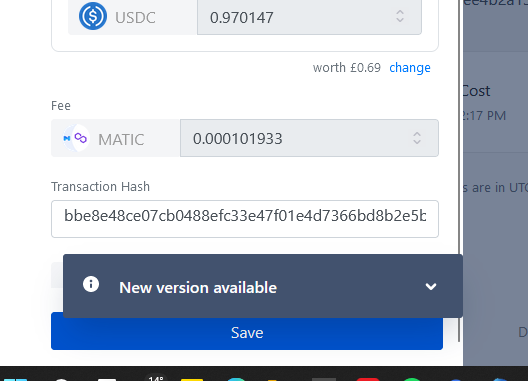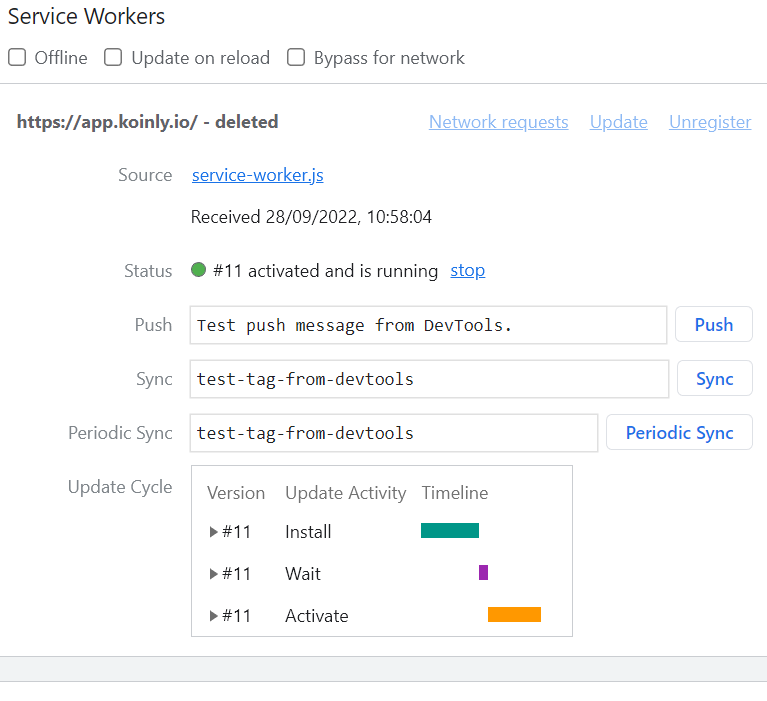
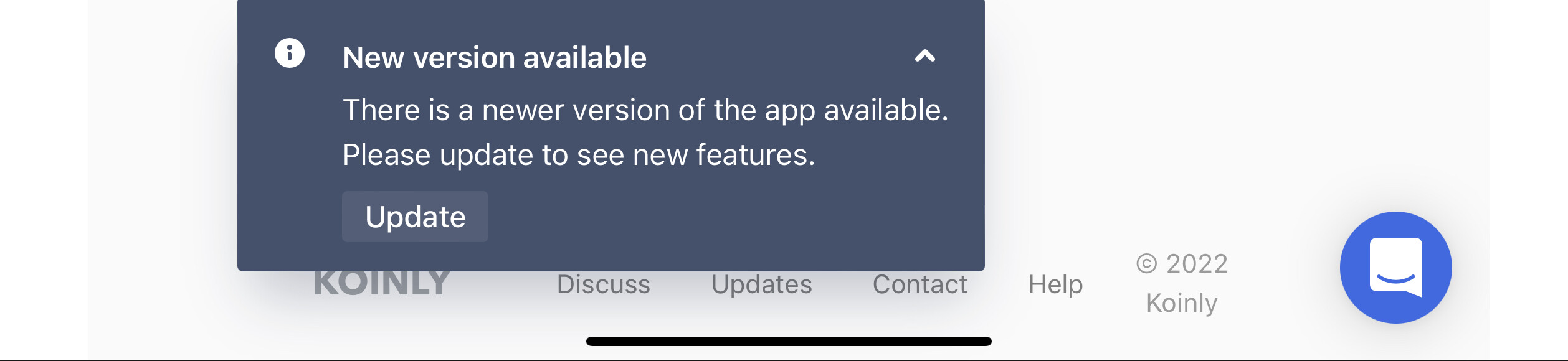
Describe the problem: new version available banner keeps popping up. Clicking update reloads page but it doesn’t go away. Have had problem for over 2 weeks. This is in latest version of Chrome.
What have you tried to fix this so far? Clearing browser cache and cookies. Force reloading page. Rebooting device. Does it on both mobile on phone and desktop chrome. Tried on 2 different phones with same issue. Thanks.
You can’t go to this url and clear the cache as you get redirected immediately.
But as the original poster already said it happens on multiple browsers and devices - even after clearing the whole cache.
The popup comes back after some time (maybe first refresh popup?)
Same experience for me…And as i heard on a telegram group also for many other users.
I chased up our tech team regarding this, and they have advised that the issue is being worked on internally. I will share updates with you as I receive them.
Thanks for letting me know. The best thing to do here would be for you to email support@koinly.io so we can take a further look at the account - it may be an isolated issue as I haven’t seen any issues pop up internally since the last update.
@Chewbaccoin@k6ps Hey guys, can confirm that our developers are working to resolve this now, they advised that this was recurrent so apologies for the misinformation earlier!
I will check back in once I get a notification that a fix has been deployed.
This still hasn’t been fixed. It is a PITA. The ‘New version available’ dialog covers the Description field when I’m trying to edit an existing transaction.
I understand it can be frustrating, but may I ask if after clicking update it still kept appearing?
I have spoken to the devs and they advised an update was rolled out recently so you should be clicking yes and it should, in theory, go away after this.
Hi Ali, thanks for your reply. Yes, it does keep reappearing. Sometimes after it refreshes the screen, other times it may disappear for a minute or two and then reappears.
Yes. It seems to be back again. And no, clicking the Update button or clearing the cache doesn’t help.
Happens on multiple browsers. Also fresh installed ones.
Hi Ali, do you have an update on this please? It seems this is indiscriminate in who it is affecting and it is a real hinderance to usability. It can’t be too difficult to fix surely? Just a question of prioritisation? Please sort it out? Thanks and best regards…